Auditing Web Servers with Open-AudIT
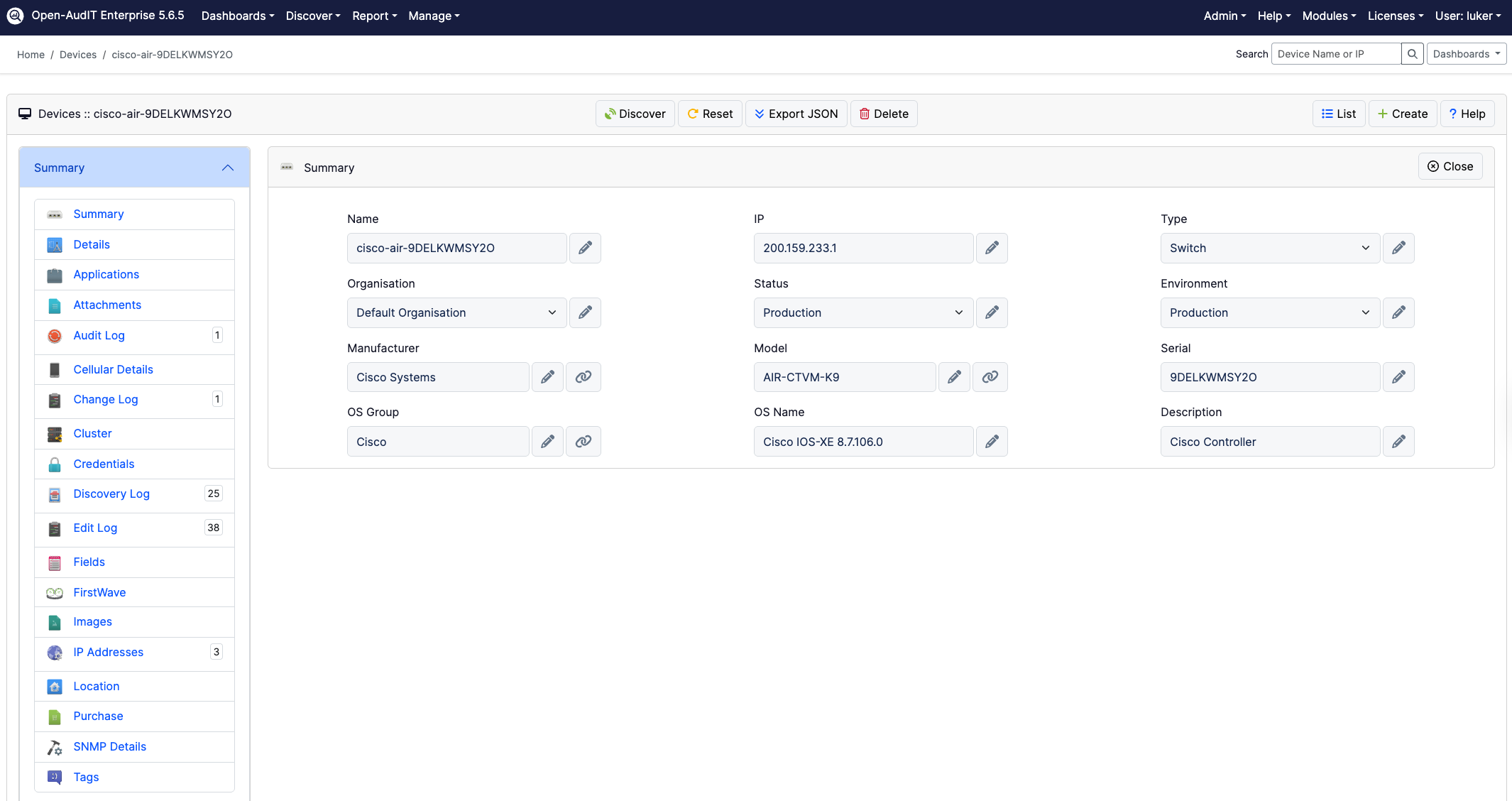
Do you know how many websites are running in your organisation?
You might be surprised to see the number, not only of actual web servers -- but also the number of sites those web servers are serving.
Open-AudIT has a built-in query to easily show you the websites (even those not running) in your organisation.
Information is presented in an easily readable table format that is exportable to CSV (Excel), HTML, XML and JSON formats.
For each website you will see the name, OS and environment of the computer running it, the web server name and the site's name, description, status, instance log status, log format, log rotation policy and directory.

To enable the query go to menu -> Admin -> Queries -> Activate Query. You will see a list of available queries. Click the 'tick' icon on the right side to activate the "Web Sites" query and make it appear in your menus.

Note: Open-AudIT retrieves the most information from IIS-based servers, but Apache servers on Linux are also supported.
Related reading: Antivirus Program Auditing with Open-AudIT

Escrito por
Head of Marketing
Can't see the woods amongst the trees without Open-AudIT