Custom Fields in Open-AudIT
Introduction
Adding fields that are specific to your requirements is an extremely simple process with Open-AudIT. You can then populate these fields with whatever data you would like recorded. Asset Numbers, Cost Codes, specific attributes, etc.
Fields can be one of two types. A freeform text field or a selectable list of values. A log is kept of any changes to a field – when it was changed, what it previously was and who changed it.
We have a quick video showing this process, here:
Community Requests
As always, if you have a field that is not already in Open-AudIT and you think would be useful to the community at large, please do send us your idea. We're only too happy to incorporate new fields into Open-AudIT when the community requests them.
The GUI

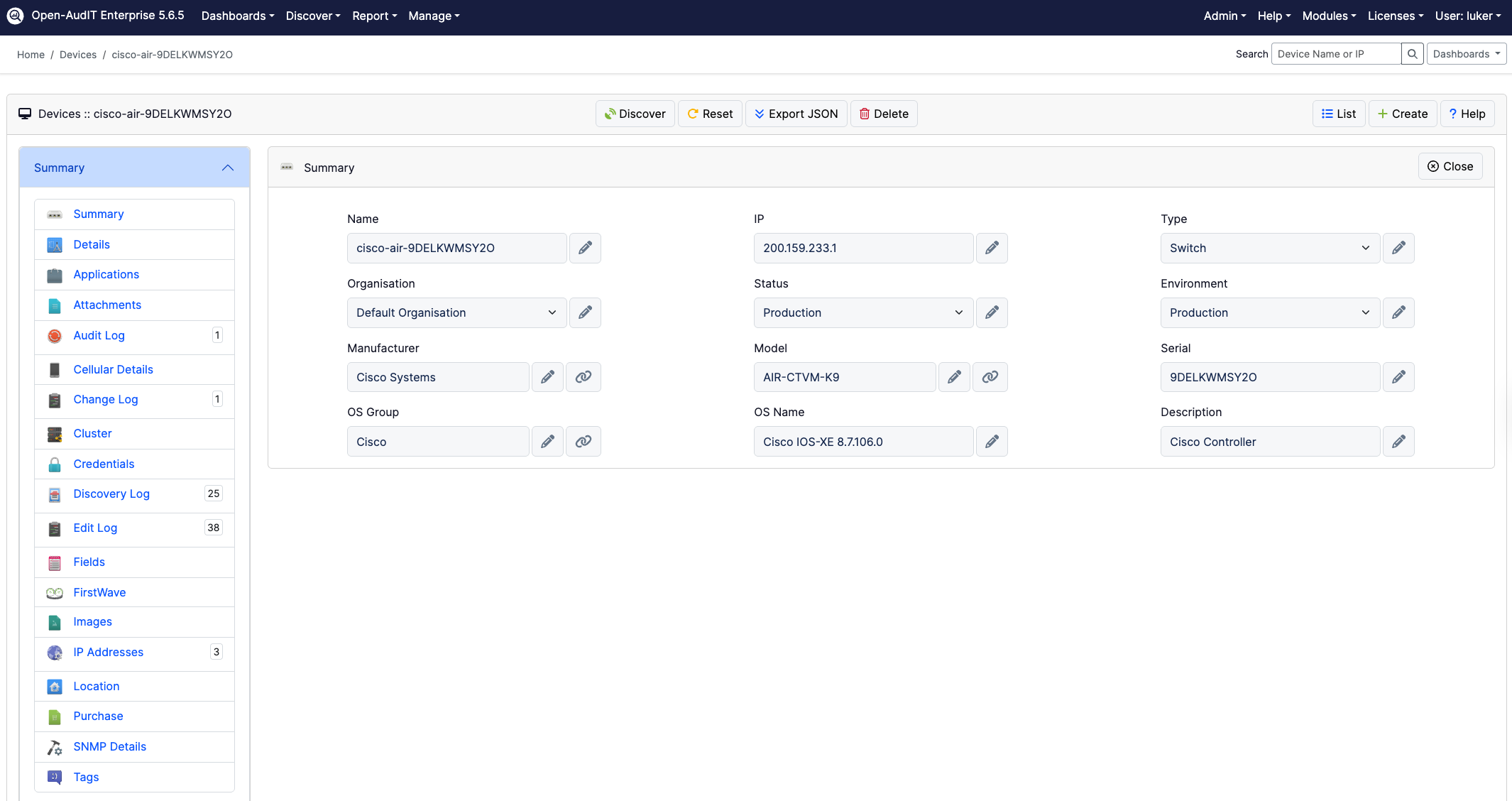
Creating a field is simply a matter of menu -> Manage -> Fields -> Create Fields. Provide it with a name (as a minimum) and you're done. Easy! Now the field will appear on the Device Details pages.
You can change the type to either a text field or a list of predefined values.
The API
As with all collections within Open-AudIT, fields are also accessible via the JSON API. Simply send a GET request to /fields for a list. The standard POST, DELETE and PATCH requests also work as expected.
More specific details are available on the Open-AudIT wiki, Fields.
Updating the value of a device's custom field is also available via the API. Send a PATCH to /devices/{id} with a JSON formatted, URL encoded payload of data.
data=%7B%22data%22%3A%7B%22id%22%3A%221%22%2C%22type%22%3A%22devices%22%2C%22attributes
%22%3A%7B%22My+select+field%22%3A%226%22%7D%7D%7D
An example of the JSON formatted, URL encoded data payload is below. In this instance, we are changing the value of "My select field" for device #1.
When it's not URL encoded, it looks thus:
{"data":{"id":"1","type":"devices","attributes":{"My select field":"6"}}}
And nicely formatted for human consumption, it looks thus:
{
    "data": {
        "id": "1",
        "type": "devices",
        "attributes": {
            "My select field": "6"
        }
    }
}
Related reading

Escrito por
Head of Marketing
Can't see the woods amongst the trees without Open-AudIT