How to Quickly Determine User Rights for a Device
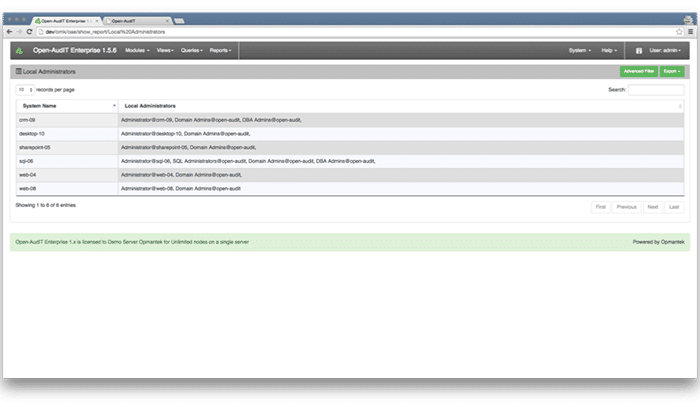
Who has Administrator level access on your computers?
Would you know if someone was added to the Local Administrators (or root / sudo) group on a computer?
You can use Open-AudIT to quickly determine if the required users have administrator access to your devices and conversely, easily determine users who have local administrator access when they should not.
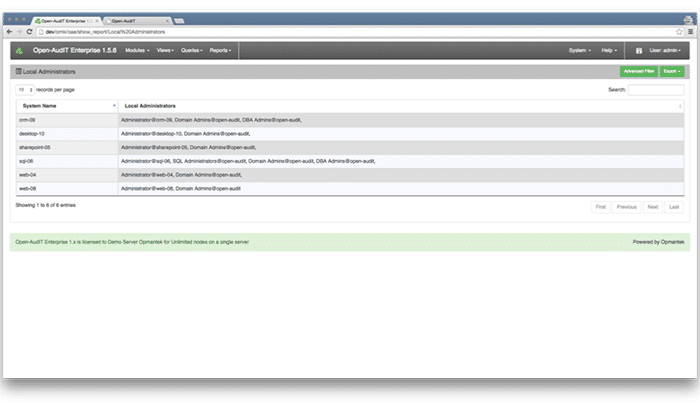
Open-AudIT has a built-in query to easily show you the user access on each of your devices.
Information is presented in an easily readable table format that is exportable to CSV (Excel), HTML, XML and JSON formats.
To enable the query go to menu -> Admin -> Queries -> Activate Query. You will see a list of available queries. Click the 'tick' icon on the right side to activate the "Local Administrators" query and make it appear in your menus.
Related reading

Escrito por
Head of Marketing
Can't see the woods amongst the trees without Open-AudIT